
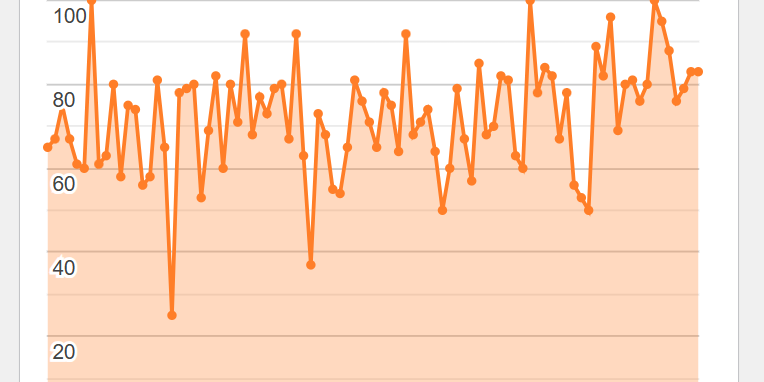
Most small business owners don’t want to spend their evenings studying website analytics.
And I don’t blame them.
Sessions, engagement rates, traffic channels, devices, events, percentages…
It’s very easy to disappear down a rabbit hole of numbers without learning anything particularly useful.
That’s why I like keeping analytics simple for my clients.
Your website dashboard can tell you quite a lot
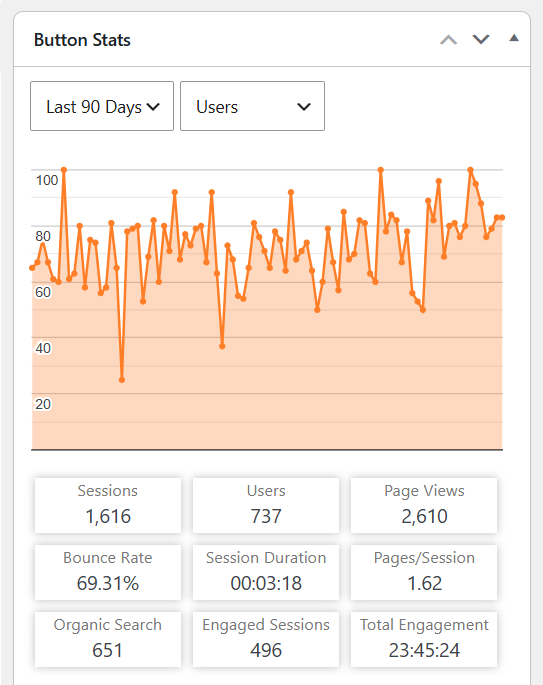
On the WordPress websites I manage, I install a simple analytics dashboard connected to Google Analytics 4.
This means clients don’t have to go hunting through Google Analytics just to get a basic idea of what’s happening on their website. They can log into WordPress and see useful information such as:
- how many people are visiting
- which pages are popular
- where visitors are located
- which websites are sending visitors
- traffic from search engines and social networks
- what devices people are using
- even what’s happening on the website right now
There’s much more information available if we need to dig deeper, but for most business owners, that’s not the point.
The important bit is knowing what to do with the information.
And one of the things I think is particularly worth looking at is where your visitors came from.
In analytics, these are often called referrers.
Occasionally there’s something surprisingly useful hiding in there.
Who sent that visitor?
Imagine you discover that a local business directory sent five people to your website last month.
Five visitors doesn’t sound particularly exciting.
But think about what you’ve just learned.
That directory works.
Someone found you there, was interested enough to click and then visited your website.
So perhaps it’s worth making sure your listing is up to date.
Could you add better photographs?
Improve the description?
Are there other similar directories where your business should be listed?
Suddenly a boring analytics statistic has given you something useful to do.
What if it’s another business?
This is where things get interesting.
Suppose another business, organisation, club or website is sending people your way.
Go and investigate.
Why are they linking to you?
Have they recommended you somewhere?
Are they talking about your business?
If they’re relevant, look at their social media as well.
Follow them.
Engage with them.
Perhaps even contact them and say thanks.
There might be an opportunity for the two businesses to help each other.
Follow the trail
 The really useful question isn’t necessarily:
“How many visitors did I get?”
It can be:
“Where did those people come from – and what can I learn from it?”
If one industry directory sends visitors, perhaps there are five more you should investigate.
If a local organisation links to you, perhaps there are other organisations you should introduce yourself to.
If a supplier is sending customers your way, perhaps that relationship deserves some attention.
If an article someone wrote three years ago is still sending visitors, perhaps there’s an opportunity to create more useful content around that subject.
Your analytics can leave little breadcrumbs.
Follow them.
Don’t turn this into another job
I’m not suggesting small business owners spend hours every week analysing website statistics.
Quite the opposite.
Next time you’re in your WordPress dashboard, spend five minutes looking at what’s happening.
Which pages are getting attention?
Where are your visitors coming from?
And have a look through those referrers.
If you spot something interesting, investigate it.
That’s enough.
You don’t need to understand every number in your Analytics Dashboard to get value from your website data.
Sometimes one useful piece of information followed by one sensible action is worth more than a beautifully presented 30-page marketing report.
And that’s something I regularly try to do for my clients at Button Web Design:
take something complicated, strip away everything they don’t need, and find the useful bit.